

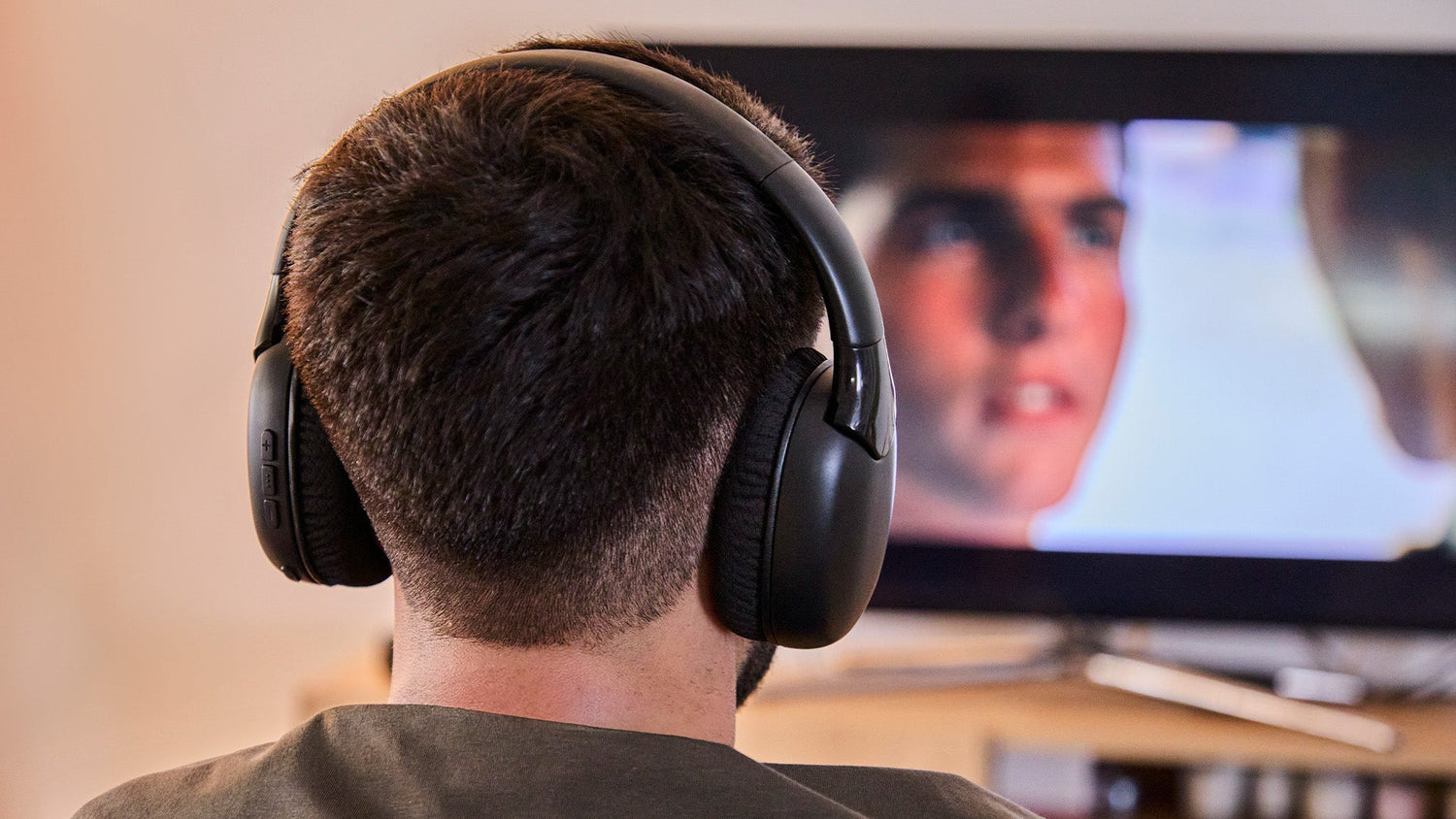
If you've purchased SoundReel TV speakers, the most important thing now is knowing how to connect them to your television quickly and easily. The good news is that you can do this in several ways and you don't need any technical knowledge.
In this guide we explain how to connect SoundReel to your TV step by step, depending on the type of television you have.
Before you begin: check your television
Look at the back or side of your TV and check if it has:
- Optimal output (Optical / Digital Audio Out)
- 3.5 mm headphone jack output
- Bluetooth connection
Any of these options will allow you to connect the SoundReel without complications
Connect SoundReel via optical cable
If your TV has an optical output, this is usually the best option.
How to do it:
- Connect the optical cable from the TV to the base of the SoundReel
- In the TV's sound menu, select "Optical Audio Output" or "PCM"
- Turn on your headphones
And that's it. The sound will be heard directly in your headphones. This connection usually offers a more stable and lag-free experience.
Connect SoundReel via 3.5 mm jack
If your TV does not have an optical output, you can use the classic headphone connection.
How to do it:
- Connect the 3.5 mm jack cable to the headphone output of the TV
- Connect the other end to the base
- Adjust the TV volume
- Turn on your headphones
It's a very simple option and works on virtually any television.
Connect SoundReel via Bluetooth
If your TV has built-in Bluetooth, you can connect them wirelessly.
How to make them:
- Activate Bluetooth in the TV menu
- Put the SoundReel in pairing mode
- Select them from the list of available devices
They'll be connected in a few seconds.
Automatic connection via 2.4 GHz RF
If you use the included base, the SoundReels connect automatically via radio frequency.
You only need:
- Have the base connected to the television
- Turn on the headphones
There's no need to pair them manually
Problems connecting headphones to the TV: questions and answers
If you're trying to figure out how to connect headphones to your TV and aren't getting the sound to work properly, don't worry. In most cases, the solution is quick and easy. Below, we answer the most frequently asked questions so you can enjoy your wireless TV headphones without any hassle.
Why can't I hear the headphones on the TV?
The most common problem is that the TV's audio output isn't selected correctly. Go into the sound menu and choose the correct option, whether it's optical output, headphones, or Bluetooth. When you configure this correctly, the sound will automatically be routed to your headphones.
With Energy Sistem's SoundReel , this adjustment is usually enough to start enjoying the audio in seconds.
What do I do if I plug in my headphones and there's no sound?
Check that the volume is not muted, that the charging case is properly connected, and that the headphones have sufficient battery power. If using Bluetooth, make sure they are actually connected to the TV.
Energy Sistem TV headphones are designed to offer a simple connection, so in most cases the problem is solved by checking these small details.
Is there a delay between the audio and the image?
Whether you use an optical or radio frequency connection, synchronization is stable and seamless. That's why many people search on Google for terms like "TV headphones with no lag" or "best headphones for watching TV," and find Energy Sistem to be a practical and effective solution.
Are they compatible with any TV?
Yes. If your TV has an optical output, a 3.5 mm jack, or Bluetooth, you can easily connect the headphones. This versatility makes the Energy Sistem SoundReel headphones an excellent choice for those looking for wireless headphones compatible with Smart TVs and traditional televisions.
Enjoy your television without disturbing anyone
Knowing how to connect headphones to your TV can transform your viewing experience. You can watch movies at night without turning up the volume, hear dialogue more clearly, and enjoy your shows without interruptions.
Energy Sistem's SoundReel headphones are designed for those who want comfort, easy connection, and a more personalized sound experience. If you're looking for easy-to-install wireless TV headphones, Energy Sistem offers a solution designed for everyday use, compatible with virtually any television, and focused on providing you with the best sound at home.


Leave a comment
This site is protected by hCaptcha and the hCaptcha Privacy Policy and Terms of Service apply.